ThoughtForge: An AI Content Creation Tool - Write Once. Let Everything Else Follow.
By Ankit Gajjar ·
Thoughtforge is most simplified version of content creation. You write once and it extends into the next step—raw thoughts develop into a long piece. Article becomes LinkedIn Posts. Our AI helps you find new ways to build multiple LinkedIn posts from one article, making it a uniquely helpful AI content creation tool. Feeling stuck on topic? Use AI to expand your idea into possible direction you wish to go.
TF proofreads, autosaves, learns how you write from all your drafts and published content so each transformation sounds like you.
We are currently working on a TF agent that will act as your second brain, simply chat with it, work and develop content, publish it from agent mode.
All you need to do is signup, connect your LinkedIn account and start making content and publishing. All of your published articles are searchable by AI models.
1. Start with New Article.
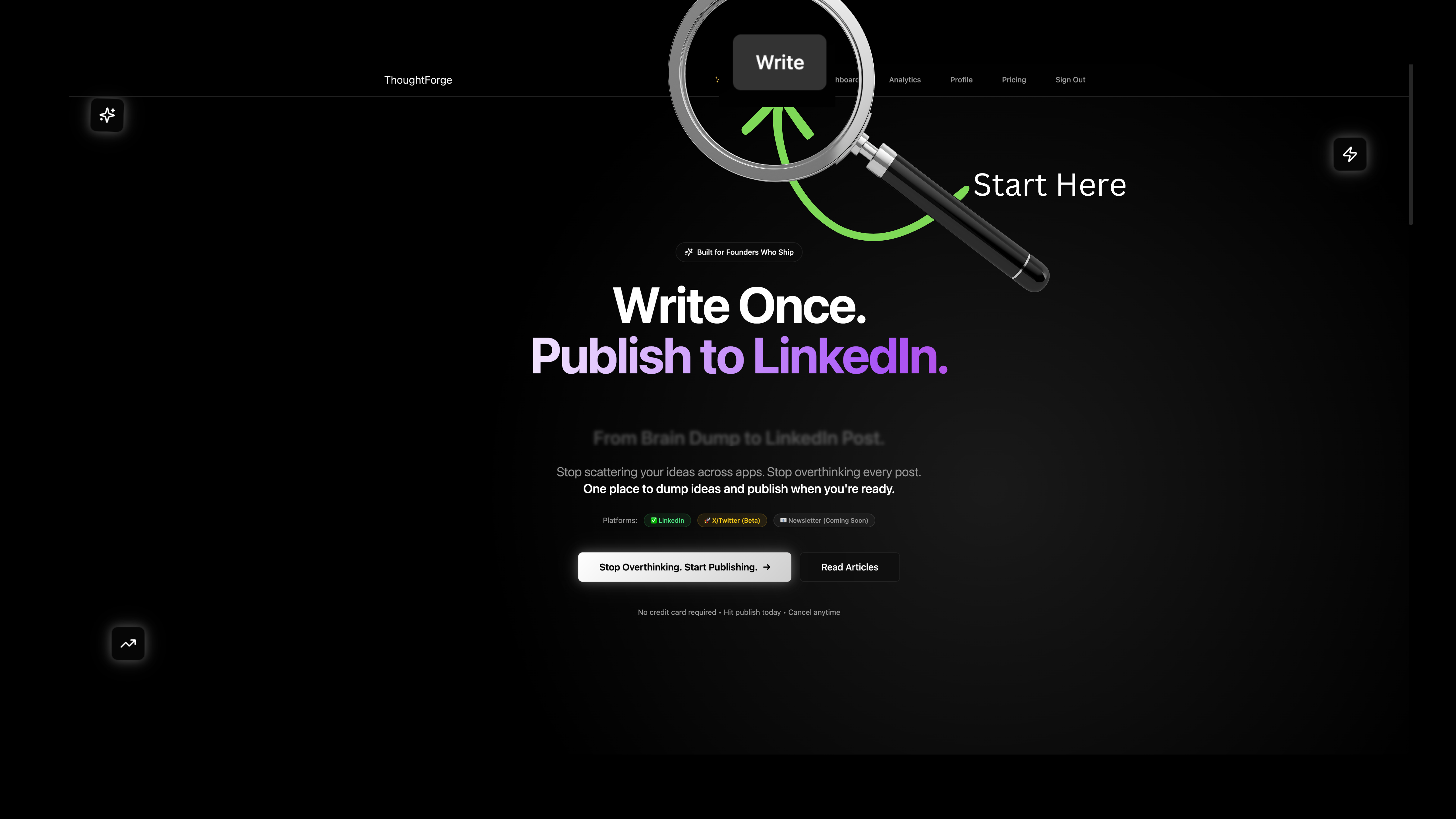
Everything begins with Write.
No hooks.
No formatting rules.
No “LinkedIn voice” yet.
Just thoughts.
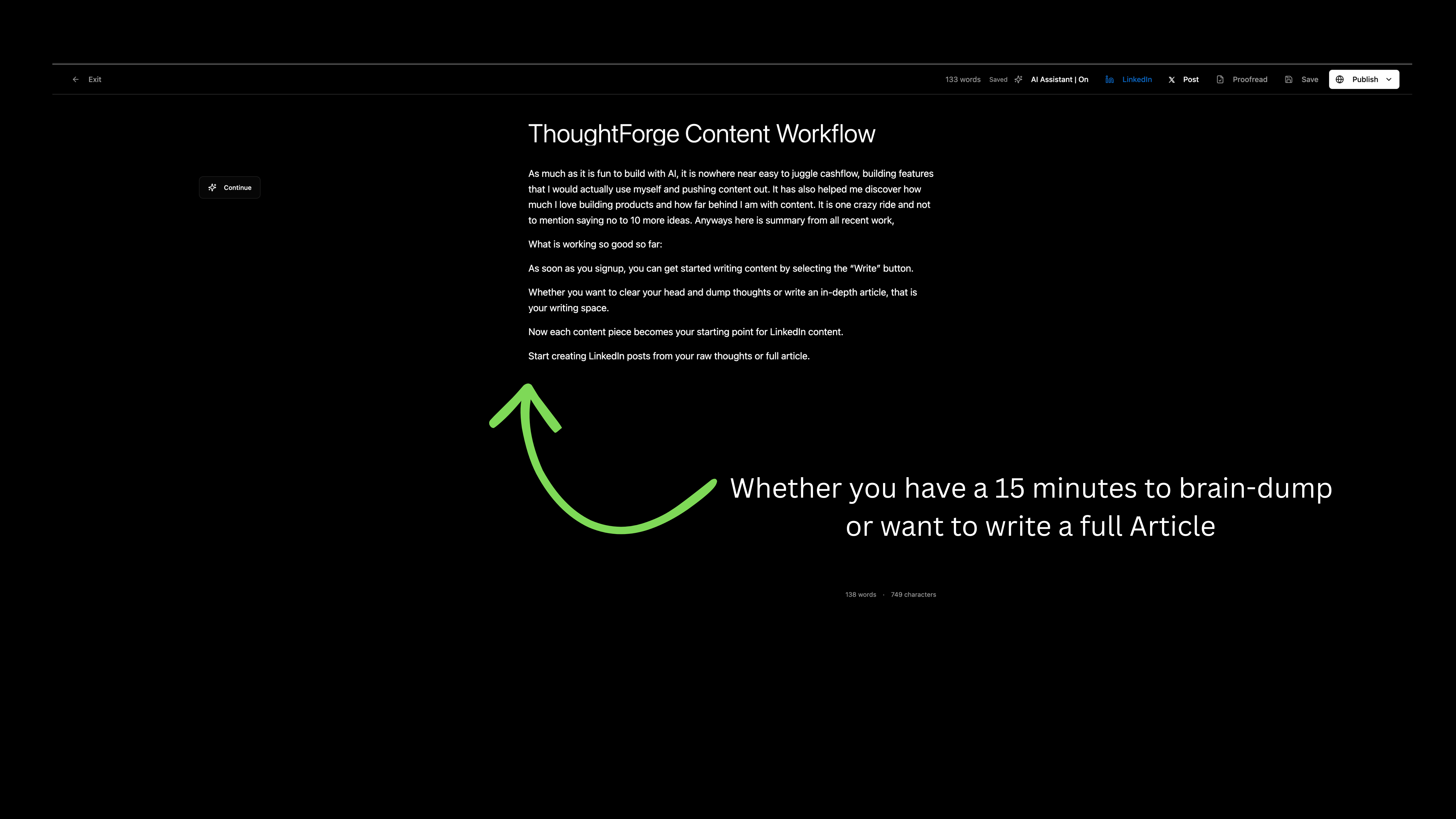
Whether you have:
15 minutes to brain-dump, or
the energy to write a full article
This is your space.
Think of it as:
a scratchpad
a thinking document
a place to work things out in public later
You don’t start with a post.
You start with a thought.
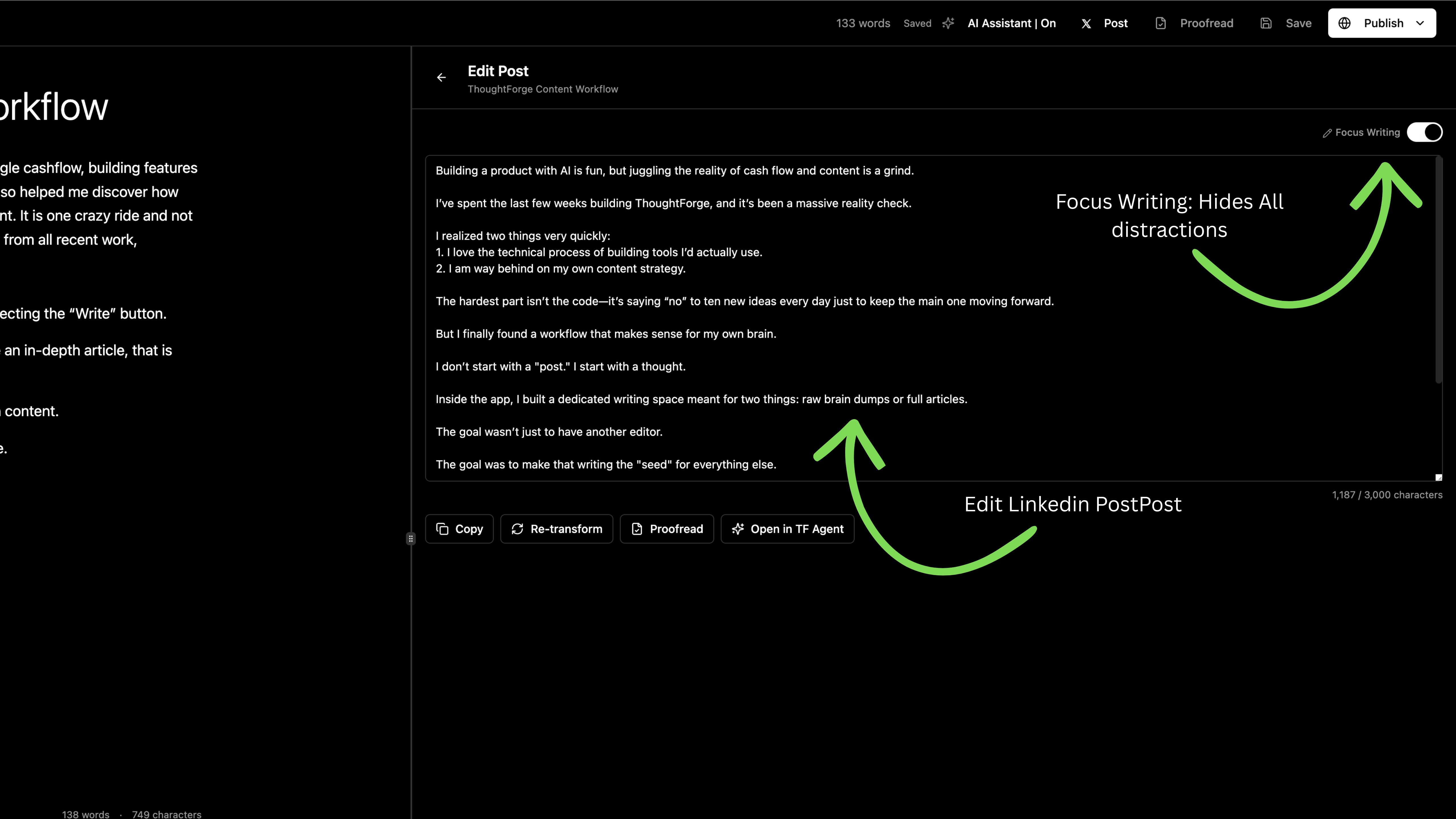
2. Focus Mode removes distractions (on purpose)
When you toggle Focus Writing, everything else disappears.
No side panels.
No buttons asking you to “optimize”.
No visual noise.
Just you and the text.
This matters more than it sounds.
Most writing friction doesn’t come from lack of ideas —
it comes from constant context-switching.
Focus Mode exists so writing stays writing.
3. Your writing becomes the source of truth
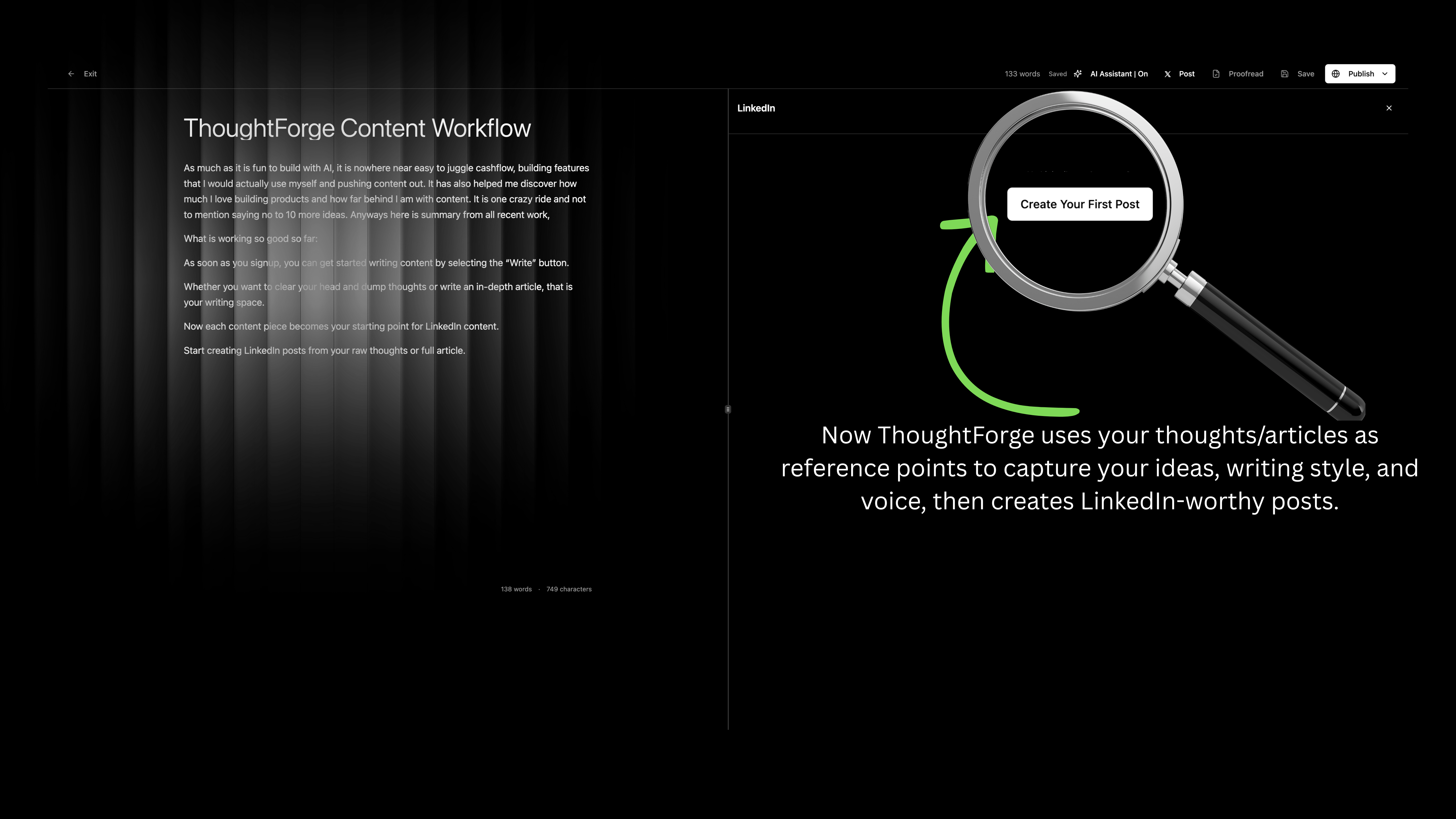
Once something is written — raw or polished — it becomes a reference point for the AI content creation tool.
ThoughtForge doesn’t ask you to rewrite ideas multiple times for different formats.
Instead:
Your thoughts
Your structure
Your voice
Become the input.
Everything downstream pulls from this.
This is the part most tools get wrong.
4. Create a LinkedIn post (3 simple ways)
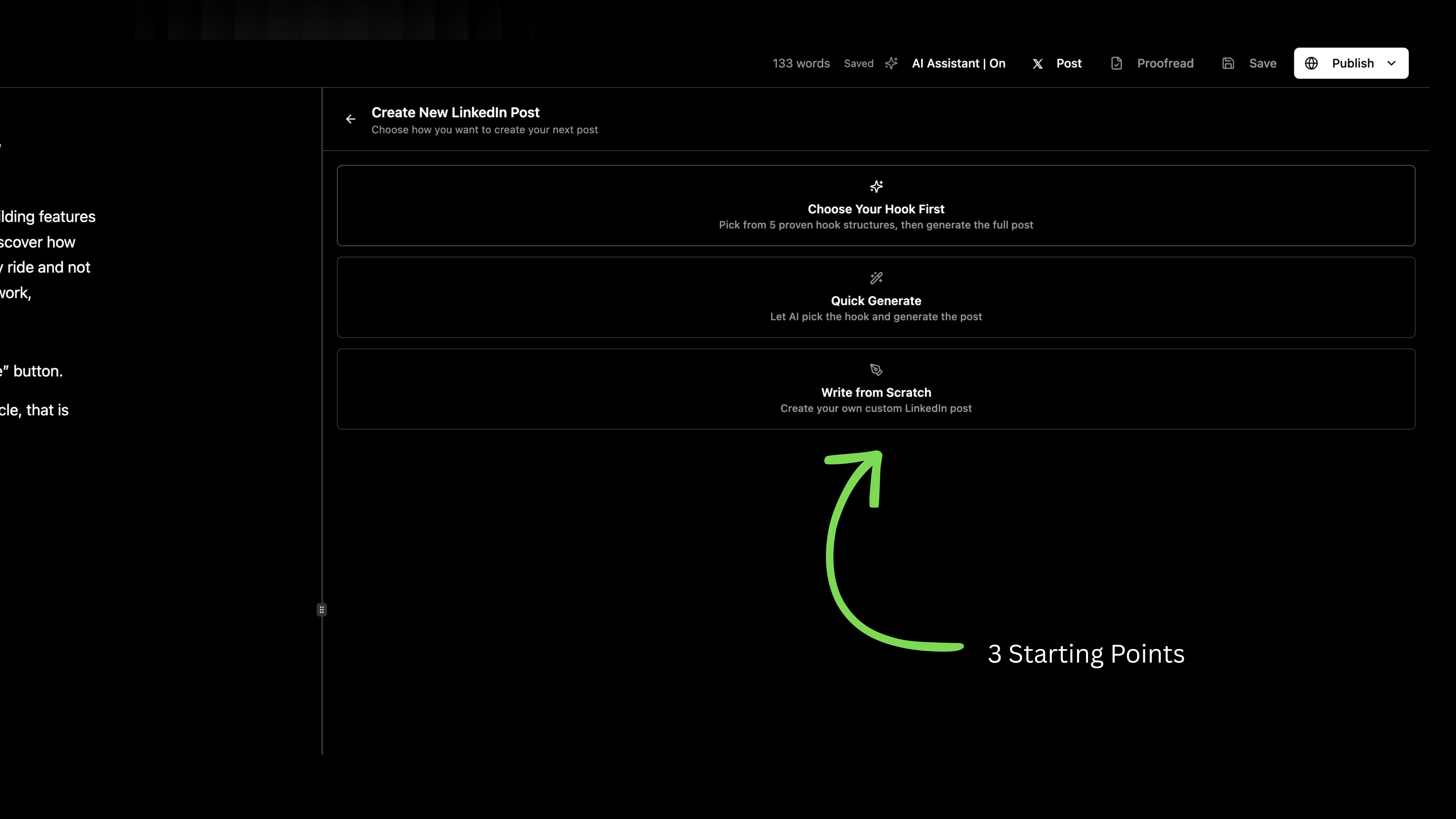
Before you generate, it helps to know what works on the platform. When you’re ready to turn a thought into a post, choose how you want to start:
Option 1: Choose a hook first
Pick from proven hook structures, then generate the post from your writing.
Option 2: Quick generate
Let ThoughtForge do the first pass using your content as context.
Option 3: Write from scratch
If you already know what you want to say — just write it.
No forcing.
No single “right” workflow.
5. Edit like a human (even with an AI content creation tool)
Once the LinkedIn post is generated, you’re back in control.
You can:
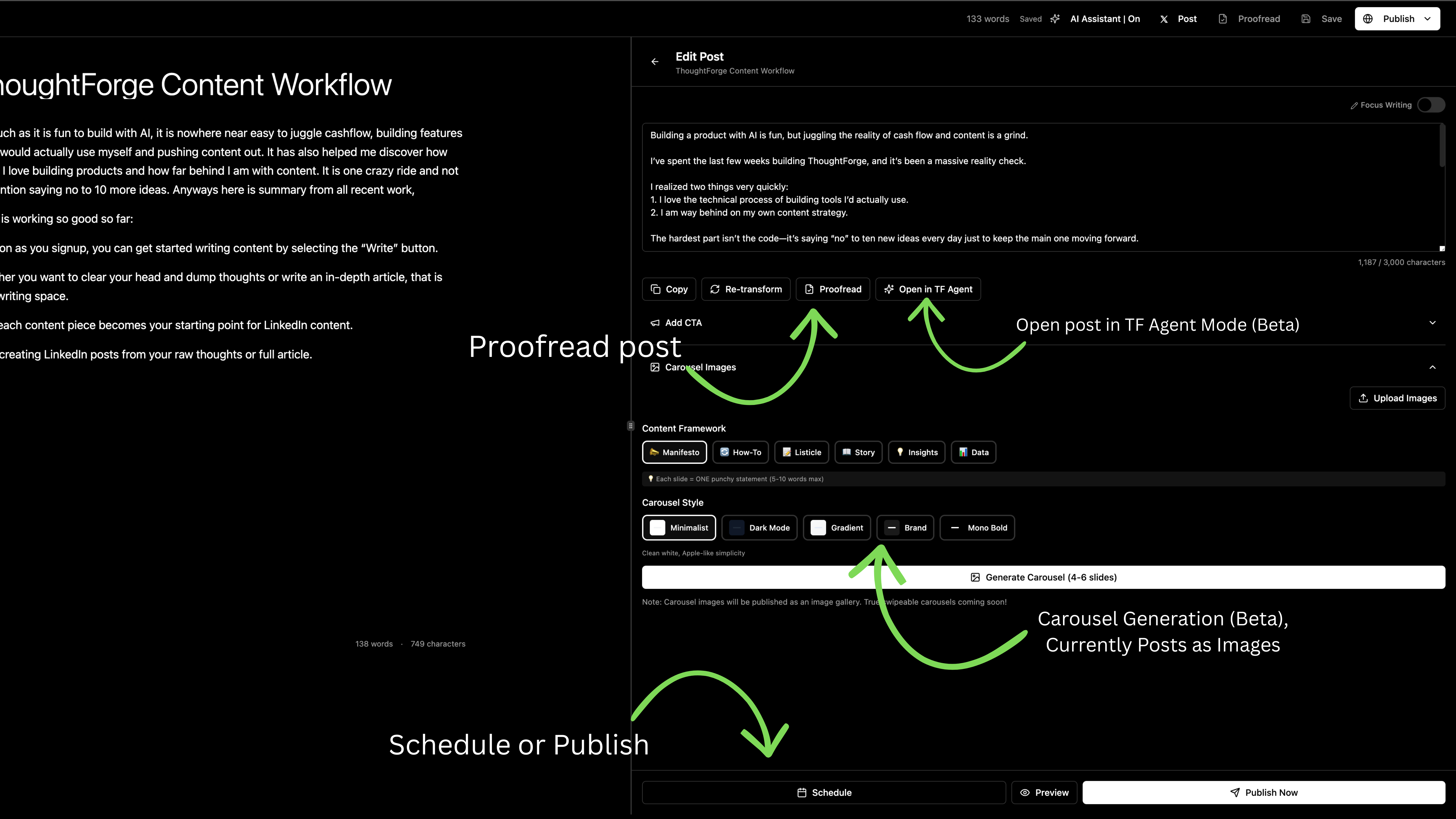
Re-transform the post
Edit it manually
Proofread it
Open it inside the ThoughtForge Agent (Beta) for deeper edits
This isn’t “one click and pray”.
It’s assisted writing, not replacement.
Most AI content creation tools spit out generic content that sounds like a robot wrote it. That's a fast way to lose your audience's trust. ThoughtForge is different. It learns your unique style from your previous writing, so the generated drafts already sound more like you. The goal is to give you a high-quality starting point, not a finished product you can't touch.
Think of it as a collaboration. The AI handles the heavy lifting of structuring and reformatting, but you provide the final polish, the human nuance, and the personal stories that make the content truly yours. This partnership is how you scale your content without sacrificing your voice.
6. Carousel generation (optional, beta)
If you want visuals, you can generate a carousel from the same post.
Right now:
Carousels are generated as images
Styles stay clean and minimal
The focus stays on clarity, not decoration
This is optional — not required.
Text always comes first.
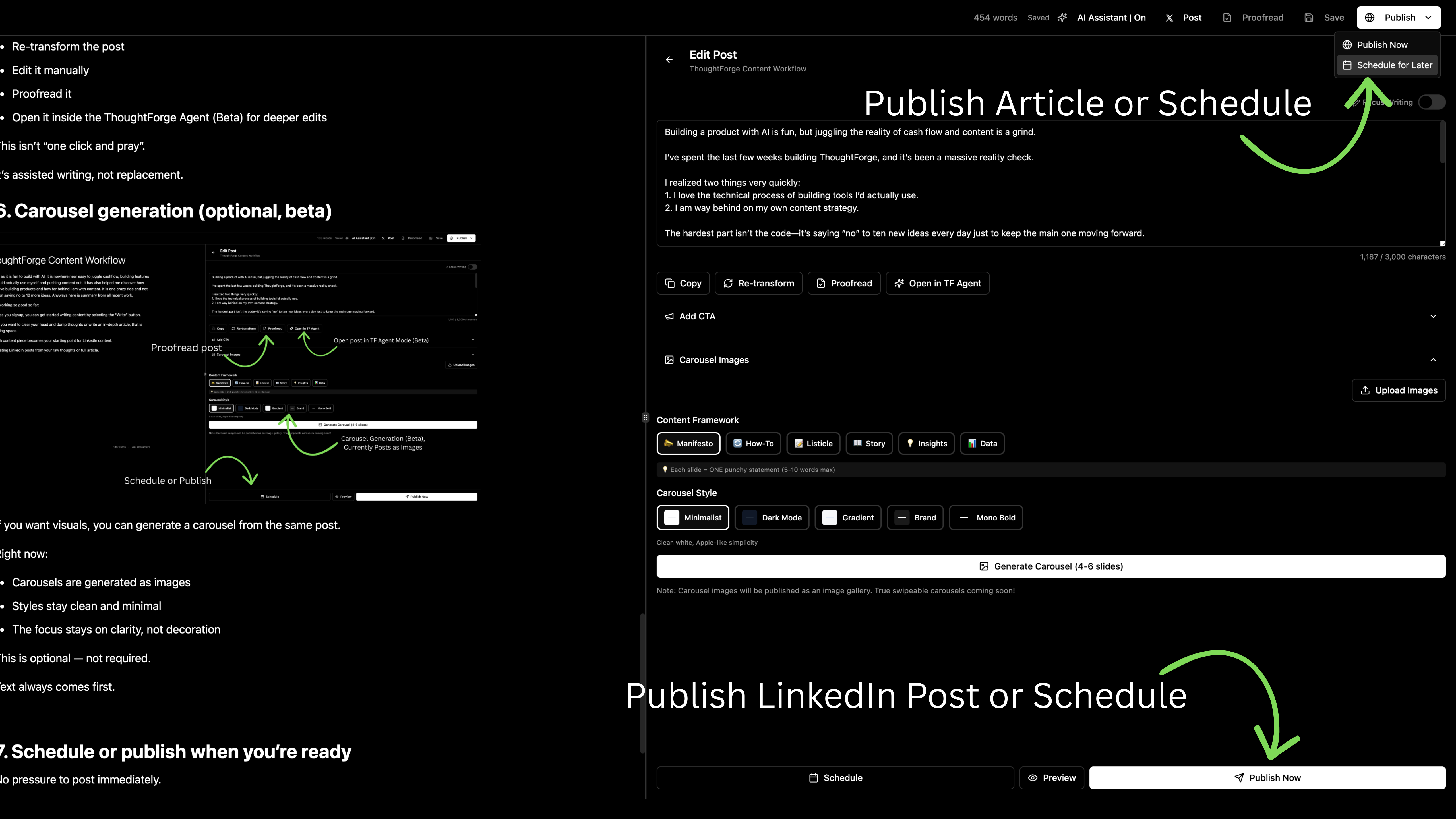
7. Schedule or publish when you’re ready
No pressure to post immediately.
You can:
Preview
Schedule
Publish when it feels right
The idea is simple:
Write once.
Decide later.
Thoughtforge is most simplified version of content creation. You write once and it extends into the next step—raw thoughts develop into a long piece. Article becomes LinkedIn Posts.
Our AI helps you find new ways to build multiple LinkedIn posts from one article. Feeling stuck on topic? Use AI to expand your idea into possible direction you wish to go.
Frequently Asked Questions
What makes ThoughtForge different from other AI content creation tools?
ThoughtForge distinguishes itself by learning a user's unique writing style from their drafts and published content, ensuring generated output sounds authentic. Unlike tools that produce generic AI content, ThoughtForge provides a personalized starting point for various formats, emphasizing assisted human editing and a collaborative approach over full automation.
How does ThoughtForge learn a user's unique writing style?
ThoughtForge's AI analyzes a user's accumulated drafts and published content to identify patterns in tone, vocabulary, and sentence structure. This continuous learning process builds a personalized style profile. It allows the AI to generate new content that consistently reflects the user's established voice across different platforms and formats.
What content formats can ThoughtForge generate besides LinkedIn posts?
ThoughtForge is designed to transform initial raw thoughts into comprehensive long-form articles, which then serve as the source of truth for repurposing. While LinkedIn posts and carousels are primary outputs, the tool's core functionality supports developing extensive written pieces adaptable for various text-based content needs across different digital platforms.
What is the primary function of the upcoming ThoughtForge Agent?
The upcoming ThoughtForge Agent will act as an interactive "second brain," facilitating conversational content development. Users can chat directly with the agent to brainstorm ideas, refine existing drafts, and even publish content seamlessly. This integration aims to streamline the entire content creation and distribution workflow through an intelligent, dialogue-driven interface.
Does ThoughtForge support content creation for platforms other than LinkedIn?
Yes, ThoughtForge's core strength lies in developing initial thoughts into well-structured articles, which are then adaptable. While it offers specific features for LinkedIn posts and carousels, the foundational content generated can be easily edited and published to any platform requiring written material. This flexibility allows users to maintain a consistent voice across their entire digital presence.